.png&w=3840&q=75) AI / ML
AI / MLFine-Tuning Phi-1 for Natural Language to SQL Conversion (Part 1: Building and Training the Model)
 Anuj Poudel09 Oct 2025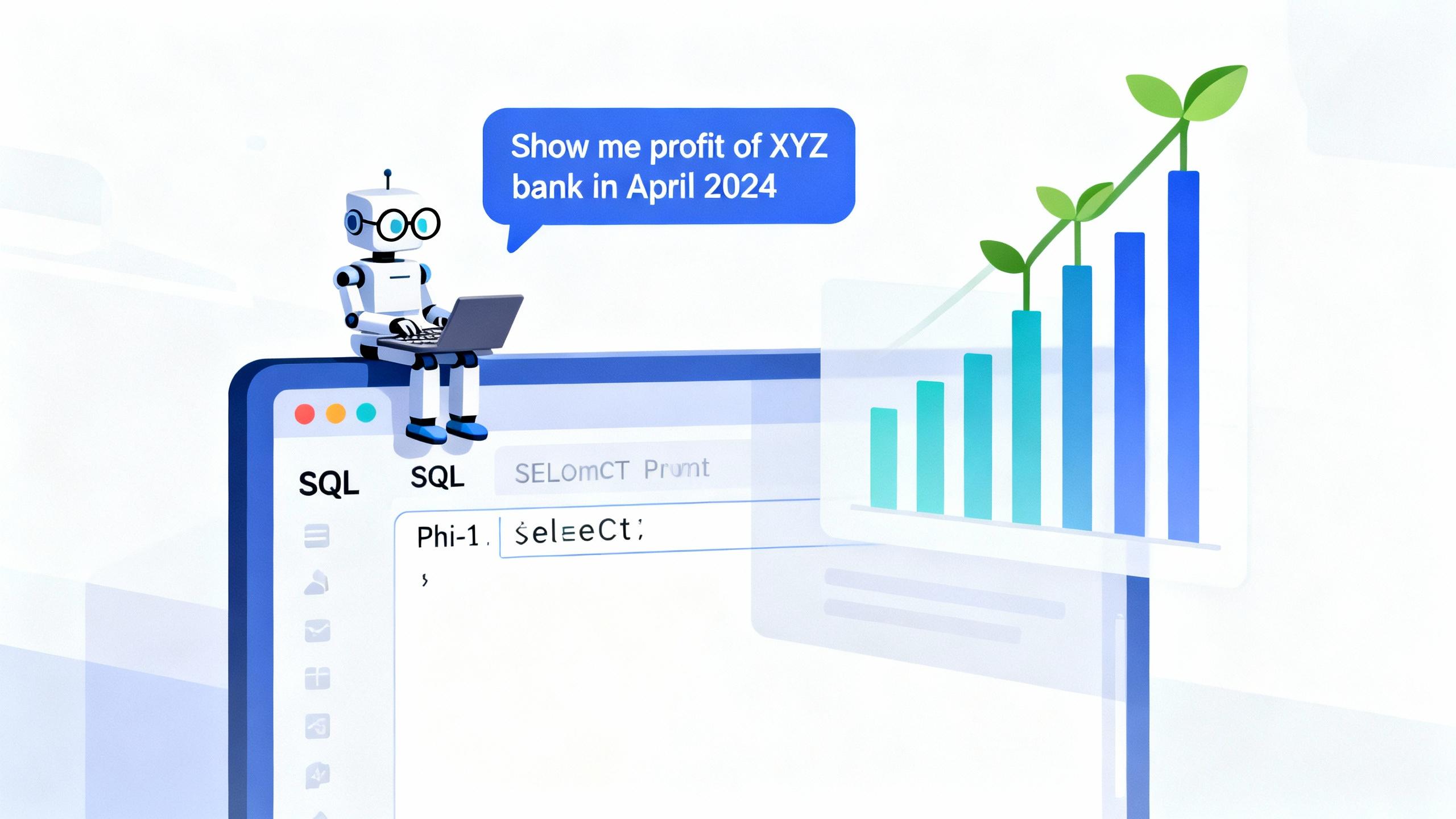
“The true magic of large language models isn’t just their knowledge — it’s their adaptability.”
This project proves that even a small open model like Phi-1 can be transformed into a specialized AI SQL analyst.
"Fine-tuning LLM" - this was the terminology I heard a lot during the initial days of the rise in the use of LLMs. It means how we can tweak an LLM for our own use. I was curious and tried to experiment on one personal project. As I work a lot in financial data analysis and visualization, a strange idea came to me. Previously, I used to write manual queries to fetch the data, and I wondered, "What if I could automate that using the power of LLMs?"
Over two parts, I'll cover
|
Part |
Title |
Focus |
|
1 |
Dataset, schema, tokeinzer, model training |
|
|
2 |
SQL generation, safe query validation, Flask API |
By the end of this series, you’ll have your own AI-powered SQL assistant that can:
- Understand natural language questions
- Generate valid SQL queries
- Execute them against a MySQL database, and
- Return the results.
Why Build a Natural Language to SQL Model?
For many organizations, data is trapped inside databases and is accessible only to those who know SQL.
What if anyone could simply type:
“Show me total income by bank for 2024”
“Compare interest income of Nabil  Bank for April 2023”
…and the system instantly produced a correct SQL query, executed it, and visualized the result?
That’s the problem this project solves.
Why Phi-1 is suitable?
- Trained on programming and logical reasoning data
- Lightweight → runs easily on Colab or mid-range GPU
- Strong contextual understanding → suitable for schema-conditioned generation
- Open and reproducible → no closed APIs
We’ll fine-tune Phi-1 using supervised learning on our own question–SQL dataset.
Step 1: Understanding the Data
My project is based on a financial income database with the following structure.
CREATE TABLE incomes (
   incomeId      INT AUTO_INCREMENT PRIMARY KEY,
   firstHeading  VARCHAR(255) NOT NULL,
   secondHeading VARCHAR(255) NULL,
   thirdHeading  VARCHAR(255) NULL,
   bank          VARCHAR(255) NOT NULL,
   year          INT NOT NULL,
   month         INT NOT NULL,
   value         FLOAT(20, 2) NOT NULL,
   createdAt     DATETIME NOT NULL,
   updatedAt     DATETIME NOT NULL
);
This schema will serve as context for every training example because SQL generation depends heavily on knowing column names and data types.
And this is our sample data
|
incomeId |
firstHeading |
secondHeading |
thirdHeading |
bank |
year |
month |
value |
|
72108 |
Total Income |
|
|
NABIL |
2024 |
1 |
41130574000 |
|
72045 |
Net Loss |
|
|
NABIL |
2024 |
1 |
0 |
|
71667 |
Exchange Flactuation Income |
Due to Foreign Currency Transaction |
|
NABIL |
2024 |
1 |
406111072 |
|
71604 |
Exchange Flactuation Income |
Due to Change in Exchange Rate |
|
NABIL |
2024 |
1 |
122319672 |
|
70974 |
Interest Income |
On Investment |
NRB Bonds |
NABIL |
2024 |
1 |
0 |
|
70911 |
Interest Income |
On Investment |
Foreign Bonds |
NABIL |
2024 |
1 |
0 |
Step 2: Preparing the Dataset
I collected and prepared a dataset containing pairs of natural language questions and their correct SQL queries.
Example entries:
|
question |
query |
|
fetch the total income of Global IME Bank in Shrawan? |
SELECT value FROM incomes WHERE firstHeading = 'Total Income' AND bank = 'GLOBAL' AND year = 2025 AND month = 4; |
|
Show me the interest income trend of NBL on investment in 2024 |
SELECT value, month FROM incomes WHERE firstHeading LIKE 'Interest Income' AND secondHeading LIKE '%Investment%' AND thirdHeading IS NULL AND year = 2024 AND bank LIKE 'NBL' ORDER BY year DESC, month DESC; |
There were around 10000 human based natural dataset
We load this into a Pandas DataFrame:
import pandas as pd
df = pd.read_csv("dataset/income_table_data_revised.csv")
Then, we split it into training and evaluation subsets:
from sklearn.model_selection import train_test_split
train_df, eval_df = train_test_split(df, test_size=0.2, random_state=42)
Step 3: Designing the Prompt Template
Unlike models like T5 that have explicit encoder–decoder structures, Phi-1 is a causal language model.
That means it’s trained to predict the next token given previous tokens, so we have to carefully format the input.
Our prompt format is as follows:
### Schema:
<SQL schema>

### Question:
<Natural language question>

### SQL:
<Correct SQL query>
This structure helps the model learn how scheme relates to questions and how to compose a SQL statement logically from the schema and question
We’ll inject this structure in our PyTorch dataset.
Step 4: Building the Custom Dataset Class
We now define a class that tokenizes and prepares the input-output pairs.
from torch.utils.data import Dataset

class SQLDataset(Dataset):
   def __init__(self, dataframe, tokenizer, max_length, context):
       self.data = dataframe
       self.tokenizer = tokenizer
       self.max_length = max_length
       self.context = context

   def __len__(self):
       return len(self.data)

   def __getitem__(self, idx):
       question = self.data.iloc[idx]['question']
       query = self.data.iloc[idx]['query']

       input_text = f"### Schema:\n{self.context}\n\n### Question:\n{question}\n\n### SQL:\n"
       target_text = query

       tokenized = self.tokenizer(
           input_text + target_text,
           max_length=self.max_length,
           padding="max_length",
           truncation=True,
           return_tensors="pt"
       )

       input_ids = tokenized["input_ids"].squeeze()
       attention_mask = tokenized["attention_mask"].squeeze()

       labels = input_ids.clone()
       labels[labels == tokenizer.pad_token_id] = -100

       return {
           "input_ids": input_ids,
           "attention_mask": attention_mask,
           "labels": labels
       }
Step 5: Tokenizer & Model Setup
We now load the Phi-1 tokenizer and model.
from transformers import AutoModelForCausalLM, AutoTokenizer

model_name = "microsoft/phi-1"
tokenizer = AutoTokenizer.from_pretrained(model_name)
tokenizer.pad_token = tokenizer.eos_token

model = AutoModelForCausalLM.from_pretrained(model_name)
Setting the pad token to eos_token ensures that padding doesn’t introduce extra loss in the training process.
Step 6: Configuring Training Parameters
Training arguments determine the model’s optimization strategy.
from transformers import Trainer, TrainingArguments

training_args = TrainingArguments(
   output_dir="./phi1_finetune_3100",
   per_device_train_batch_size=2,
   per_device_eval_batch_size=2,
   num_train_epochs=4,
   evaluation_strategy="steps",
   eval_steps=1000,
   save_steps=1000,
   logging_dir="./logs",
   logging_steps=500,
   learning_rate=3e-4,
   load_best_model_at_end=True,
   save_total_limit=2,
   report_to="none",
   fp16=True,
   gradient_accumulation_steps=4
)
Key Parameters:
learning_rate = 3e-4→ Balanced for small model & small datasetfp16=True→ Mixed precision for faster GPU traininggradient_accumulation_steps=4→ Accumulates gradients to simulate larger batch size without OOM errorsevaluation_strategy="steps"→ Evaluates periodically to track overfitting
Step 7: Initializing the Trainer
trainer = Trainer(
   model=model,
   args=training_args,
   train_dataset=train_dataset,
   eval_dataset=eval_dataset,
)
Step 8: Starting the Training Loop
Before training, clear GPU memory:
import torch
torch.cuda.empty_cache()
Then start fine-tuning:
trainer.train() During training, you’ll observe logs like:
Step 500 | Train Loss: 1.25 | Eval Loss: 1.10
Step 1000 | Train Loss: 0.89 | Eval Loss: 0.76
A declining loss curve confirms the model is successfully learning to align natural questions with their corresponding SQL.
Step 9: Saving the Model
trainer.save_model("./phi1_finetune_3100")
tokenizer.save_pretrained("./phi1_finetune_3100")
print("Model and tokenizer saved successfully!")
Wrapping Up
With the model successfully fine-tuned and saved, we’ve completed the core part of our journey, teaching Microsoft Phi-1 to understand financial questions and generate accurate SQL queries.
In this process, we:
- Explored how to prepare a schema-aware dataset,
- Designed an effective prompt structure for SQL generation,
- Built a custom dataset class,
- Configured training parameters, and
- Fine-tuned and saved the model for future use.
In the next part of this series, we’ll move from training to real-world implementation, where we’ll load the fine-tuned model, generate SQL dynamically, execute it against a database, and return meaningful results through a simple API interface.
Have thoughts or questions about this project?
I’d love to hear from you! Feel free to reach out at anuj@dallotech.com whether you’re experimenting with fine-tuning, working with financial data, or exploring AI-driven automation.
Let’s connect and build something smarter together. 🚀
Have an idea worth building?
Tell us about it. We reply within one business day.
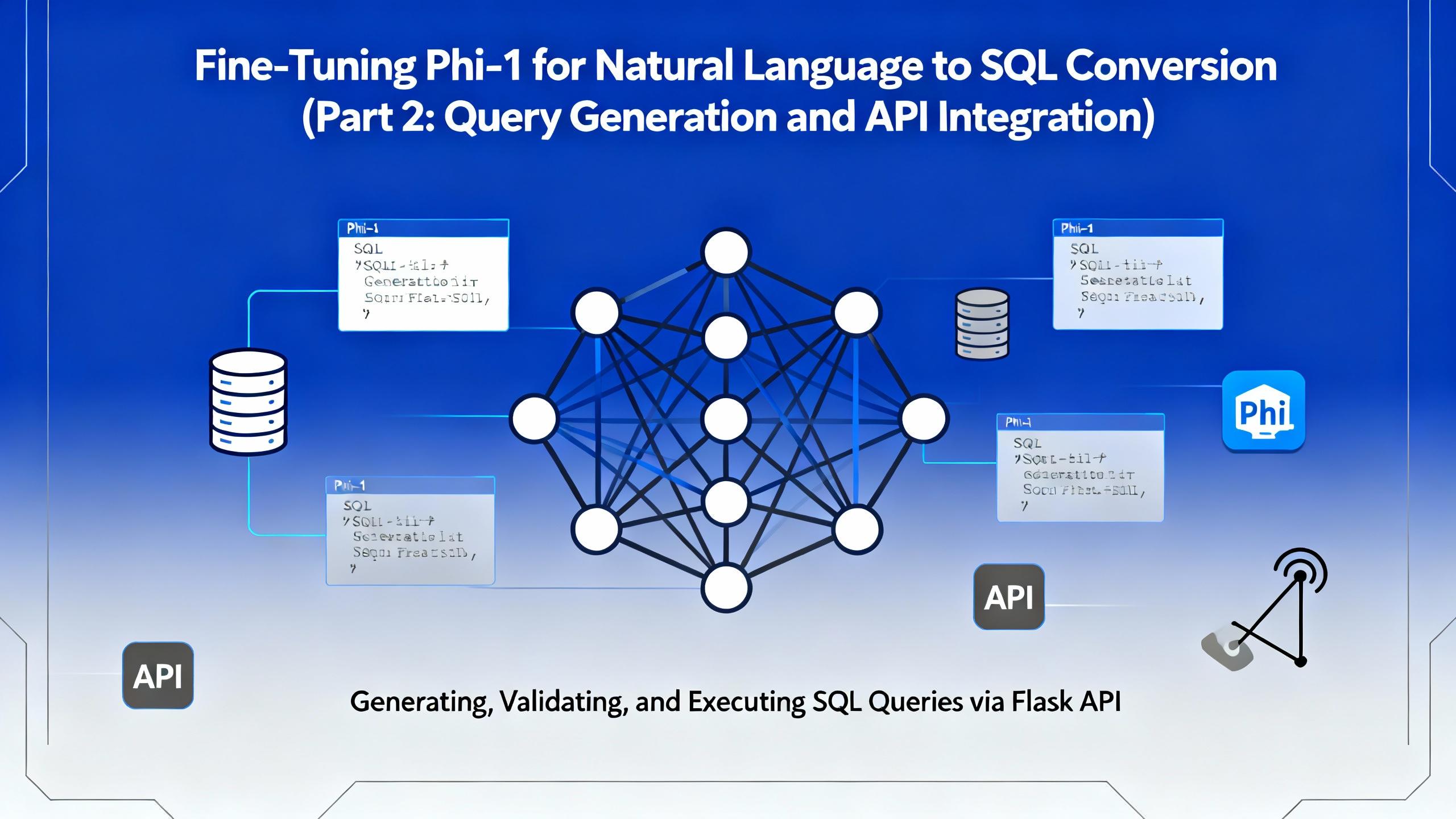
In the second part of this series, we move beyond model training and bring our fine-tuned Microsoft Phi-1 to life. This article focuses on query generation, safe SQL execution, and building a Flask-based API that allows real-time interaction with financial databases.
Discover the power of vibe coding building a Discord attendance bot with AI, transforming a clunky biometric system into a modern solution. Learn how AI-driven development can revolutionize your business, contact DalloTech for custom solutions!
Explore the essentials of IP binding in Dockerized applications with this insightful Dallo Tech blog post. Gain expert tips and best practices to optimize your containerized workflows effectively.
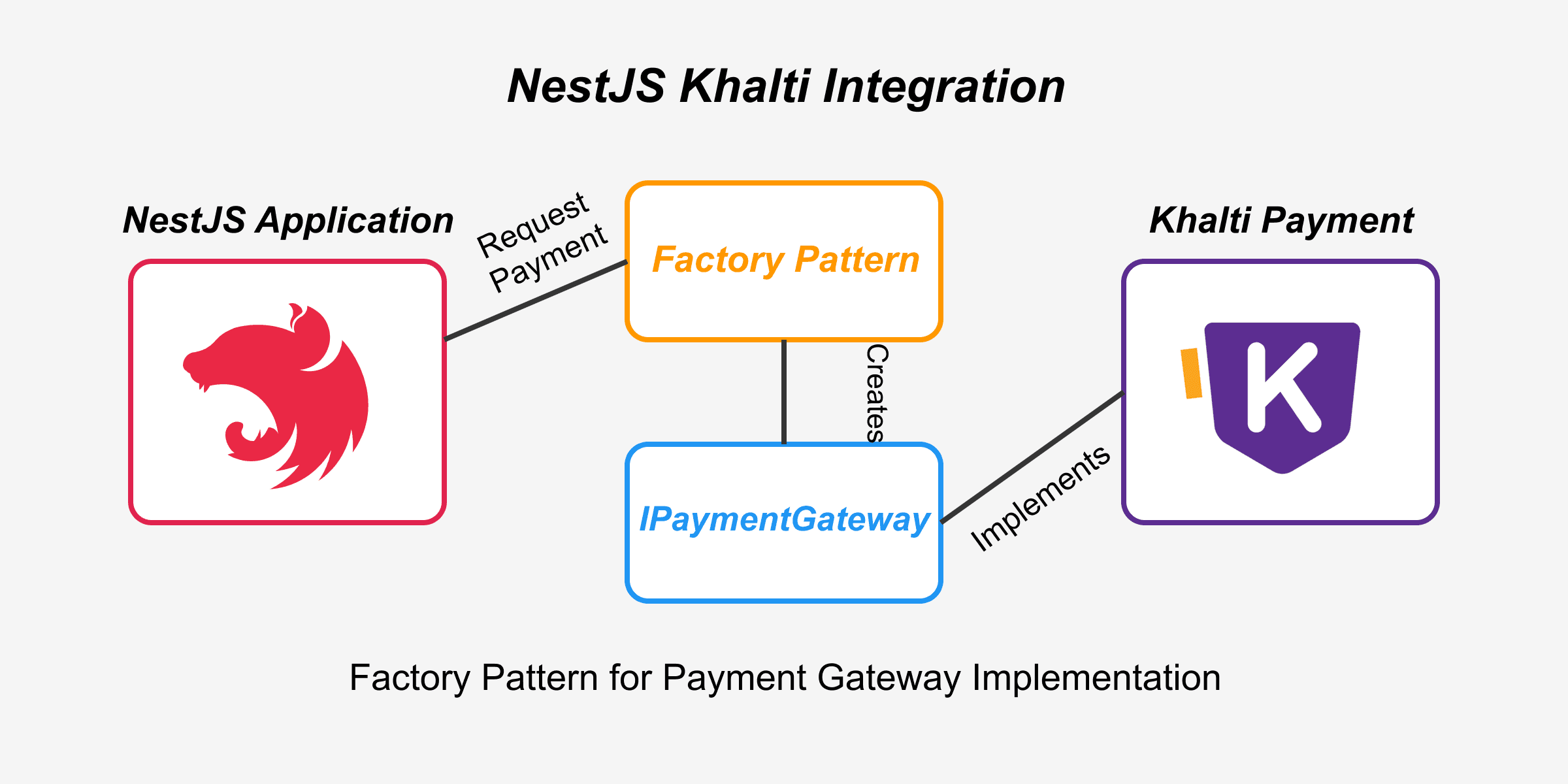
If you are integrating Khalti payment provider in NestJS or interested in knowing how Khalti payment API handles transaction, this blog is perfect for you.