Home/Blogs
AI / ML

Fine-Tuning Phi-1 for Natural Language to SQL Conversion (Part 2: Query Generation and API Integration)

Anuj Poudel14 Oct 2025
Fine-Tuning Phi-1 for Natural Language to SQL Conversion (Part 2: Query Generation and API Integration)

In Part 1 of this series, we trained Microsoft Phi-1 to translate natural language into SQL queries.
Now, it’s time to put that model to work generating, validating, and executing queries against a live MySQLdatabase.

This article focuses on:

  • Loading the fine-tuned Phi-1 model
  • Generating SQL queries dynamically
  • Performing basic validation to ensure query safety
  • Executing those queries in MySQL
  • Exposing the entire process through a Flask API


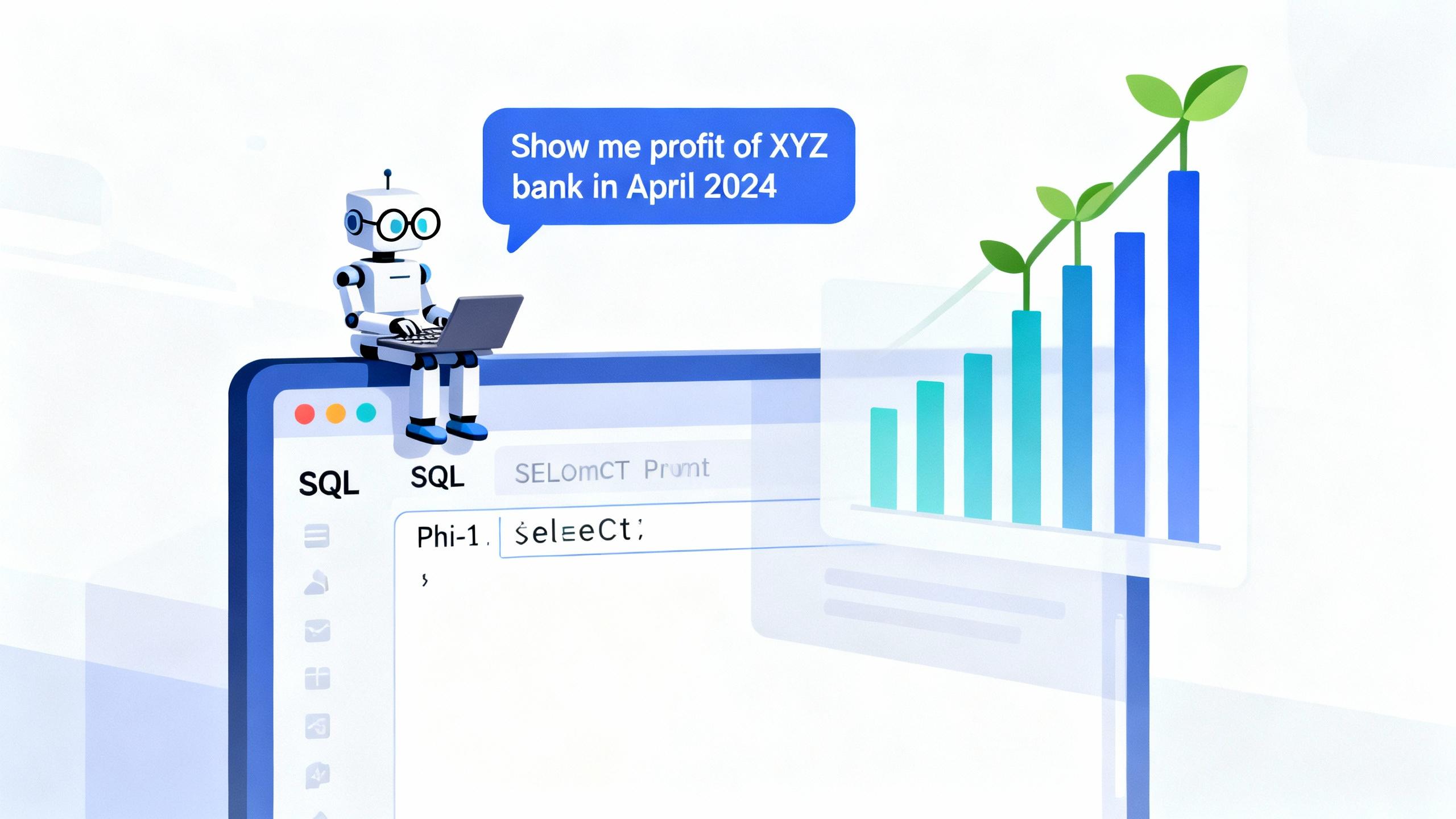
By the end of this part, you’ll have an API endpoint that can take any natural language question like:

“Show me the total income of Nabil Bank in 2024”

and return the executed results directly from your database.
 

Step 1: Loading the Fine-Tuned Model

We’ll begin by loading the model and tokenizer we saved in Part 1.

from transformers import AutoTokenizer, AutoModelForCausalLM
model_dir = "./phi1_finetune_3100"
tokenizer = AutoTokenizer.from_pretrained(model_dir)
model = AutoModelForCausalLM.from_pretrained(model_dir)

To generate SQL, we’ll define a helper function:

import torch
def generate_sql(question, schema, max_new_tokens=150):
    prompt = f"### Schema:\n{schema}\n\n### Question:\n{question}\n\n### SQL:\n"
    inputs = tokenizer(prompt, return_tensors="pt").to(model.device)
    outputs = model.generate(**inputs, max_new_tokens=max_new_tokens)
    result = tokenizer.decode(outputs[0], skip_special_tokens=True)
    sql_query = result.split("### SQL:")[-1].strip()
    return sql_query

This will take the schema and question as input and output a generated SQL query.


Step 2: Validating Generated SQL

Before executing, it’s critical to ensure safety.
We must prevent the model from generating potentially destructive queries like DROP, DELETE, or UPDATE.

Here’s a simple validator:

import re
def validate_sql(query):
    forbidden = ["DROP", "DELETE", "UPDATE", "INSERT", "ALTER", "TRUNCATE"]
    if any(word in query.upper() for word in forbidden):
        raise ValueError("Unsafe SQL query detected.")
    if not re.match(r"^SELECT\s", query.strip(), re.IGNORECASE):
        raise ValueError("Only SELECT queries are allowed.")
    return True

This lightweight validation keeps our API secure and limits execution to read-only queries.


Step 3: Connecting to MySQL

We’ll use mysql-connector-python to connect and run validated queries.

import mysql.connector
def run_query(query):
    conn = mysql.connector.connect(
        host="localhost",
        user="root",
        password="your_password",
        database="financial_data"
    )
    cursor = conn.cursor(dictionary=True)
    cursor.execute(query)
    results = cursor.fetchall()
    cursor.close()
    conn.close()
    return results
 

Step 4: Combining All Steps

Let’s tie everything together with a simple function that takes a natural question and returns the result.

def process_question(question, schema):
    sql_query = generate_sql(question, schema)
    print(f"\nGenerated SQL:\n{sql_query}\n")
    try:
        validate_sql(sql_query)
        result = run_query(sql_query)
        return {"sql": sql_query, "result": result}
    except Exception as e:
        return {"error": str(e), "sql": sql_query}


schema = """CREATE TABLE incomes (
   incomeId INT AUTO_INCREMENT PRIMARY KEY,
   firstHeading VARCHAR(255) NOT NULL,
   secondHeading VARCHAR(255),
   thirdHeading VARCHAR(255),
   bank VARCHAR(255) NOT NULL,
   year INT NOT NULL,
   month INT NOT NULL,
   value FLOAT(20, 2) NOT NULL
);"""
print(process_question("Fetch total income of Global IME Bank in 2024", schema))
 

Step 5: Creating a Flask API

Once everything works locally, we’ll wrap it inside a lightweight Flask API.

from flask import Flask, request, jsonify
app = Flask(__name__)
@app.route("/generate-sql", methods=["POST"])
def generate_sql_api():
    data = request.get_json()
    question = data.get("question")
    if not question:
        return jsonify({"error": "Question is required"}), 400
    result = process_question(question, schema)
    return jsonify(result)
if __name__ == "__main__":
    app.run(host="0.0.0.0", port=8000)

Now, send a POST request using Postman or curl:

curl -X POST http://127.0.0.1:8000/generate-sql \
     -H "Content-Type: application/json" \
     -d '{"question": "Show me total interest income of SBI bank due to investemtn  in april 2025"}'

Expected JSON output:

{
  "sql": "SELECT bank, value from income where firstHeading = 'Interest Income' and secondHeading = 'On Investment' and thirdHeading is NULL and year=2025 and month = 4 and bank = 'SBI';",
  "result": [
    {"bank": "SBI", "value": 41000000000},
  ]
}

Step 6: Handling Edge Cases

A few important improvements before moving to production:

  • Add query timeout limits
  • Log both question and generated SQL for auditing
  • Cache frequent queries to reduce model inference load
  • Add schema auto-loading from the database itself

Wrapping Up

These will make your setup faster, safer, and scalable for real-world financial dashboards.

With the API in place, our fine-tuned Microsoft Phi-1 model can now take natural language queries, convert them into SQL, execute them on a database, and return meaningful financial insights all in real time.

Through this two-part series, we’ve gone from fine-tuning an LLM for a specialized use case to serving it through a lightweight, production-ready API. This setup can easily be extended to build dashboards, chat-based analytics tools, or even internal assistants that make financial data analysis far more intuitive.

Of course, the results weren’t perfect but they can always be improved with a more powerful model and additional refinement. This tutorial serves as a foundational guide to help you get started and build upon the concept further.

If you’re exploring similar applications or need help building something along these lines, feel free to reach out at anuj@dallotech.com I’d love to collaborate.

Share
⟨ NEXT STEP ⟩

Have an idea worth building?

Tell us about it. We reply within one business day.

Start a project
04 ⟨ KEEP READING ⟩
AI / ML
Fine-Tuning Phi-1 for Natural Language to SQL Conversion (Part 1: Building and Training the Model)

In today’s data-driven world, being able to query databases with natural language is becoming increasingly valuable. Imagine simply typing: “Show me the total interest income of Kumari Bank in April 2022” and instantly receiving a valid SQL query (and even the corresponding chart!) — no manual SQL writing required.

Technology
Building a Discord Attendance Bot with AI : Vibing in full flow

Discover the power of vibe coding building a Discord attendance bot with AI, transforming a clunky biometric system into a modern solution. Learn how AI-driven development can revolutionize your business, contact DalloTech for custom solutions!

DevOps
How IP Binding in dockerized Application works ?

Explore the essentials of IP binding in Dockerized applications with this insightful Dallo Tech blog post. Gain expert tips and best practices to optimize your containerized workflows effectively.

Technology
Integrating Online Payment in NestJS using Factory Pattern: Khalti Payment (Part 3)

If you are integrating Khalti payment provider in NestJS or interested in knowing how Khalti payment API handles transaction, this blog is perfect for you.